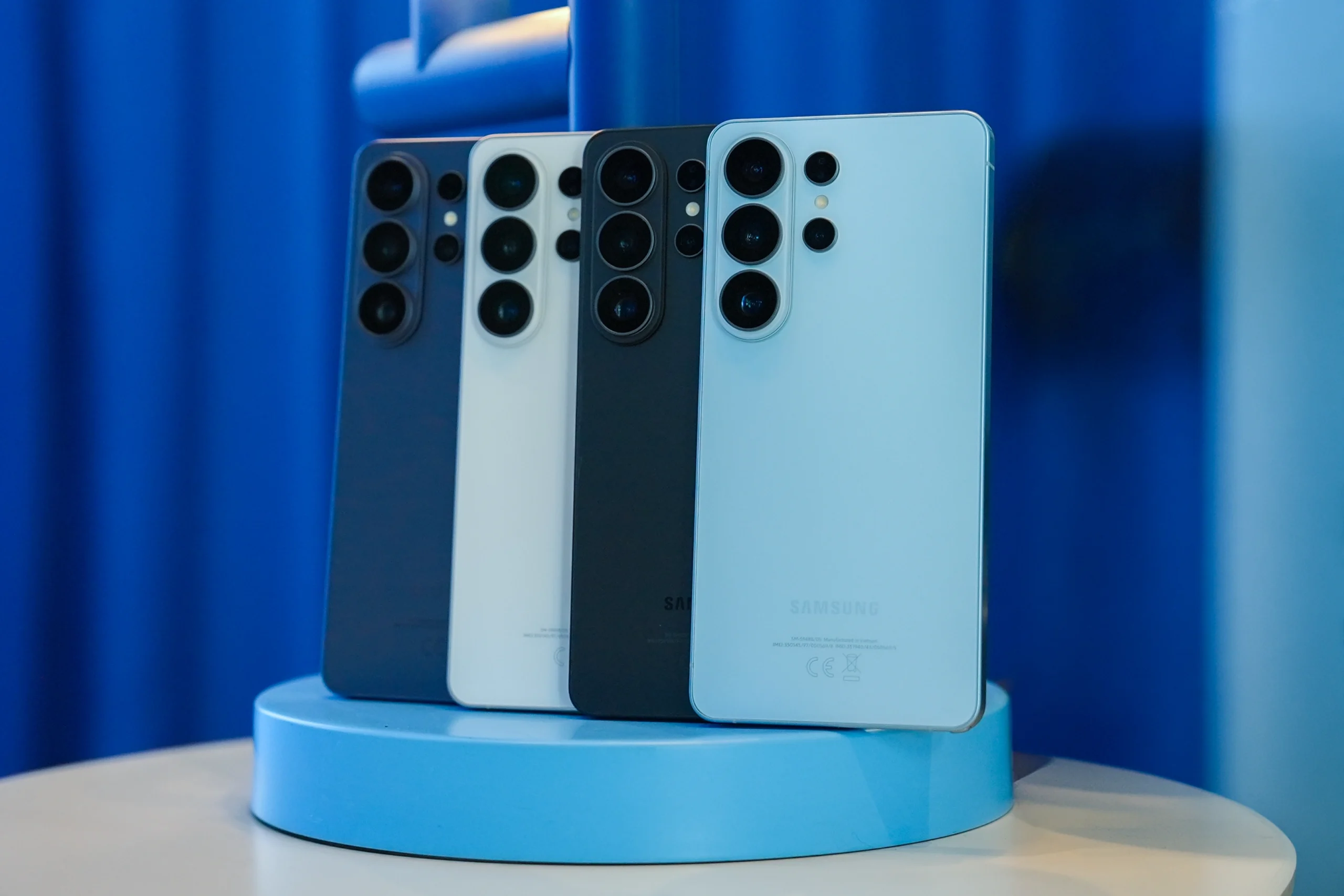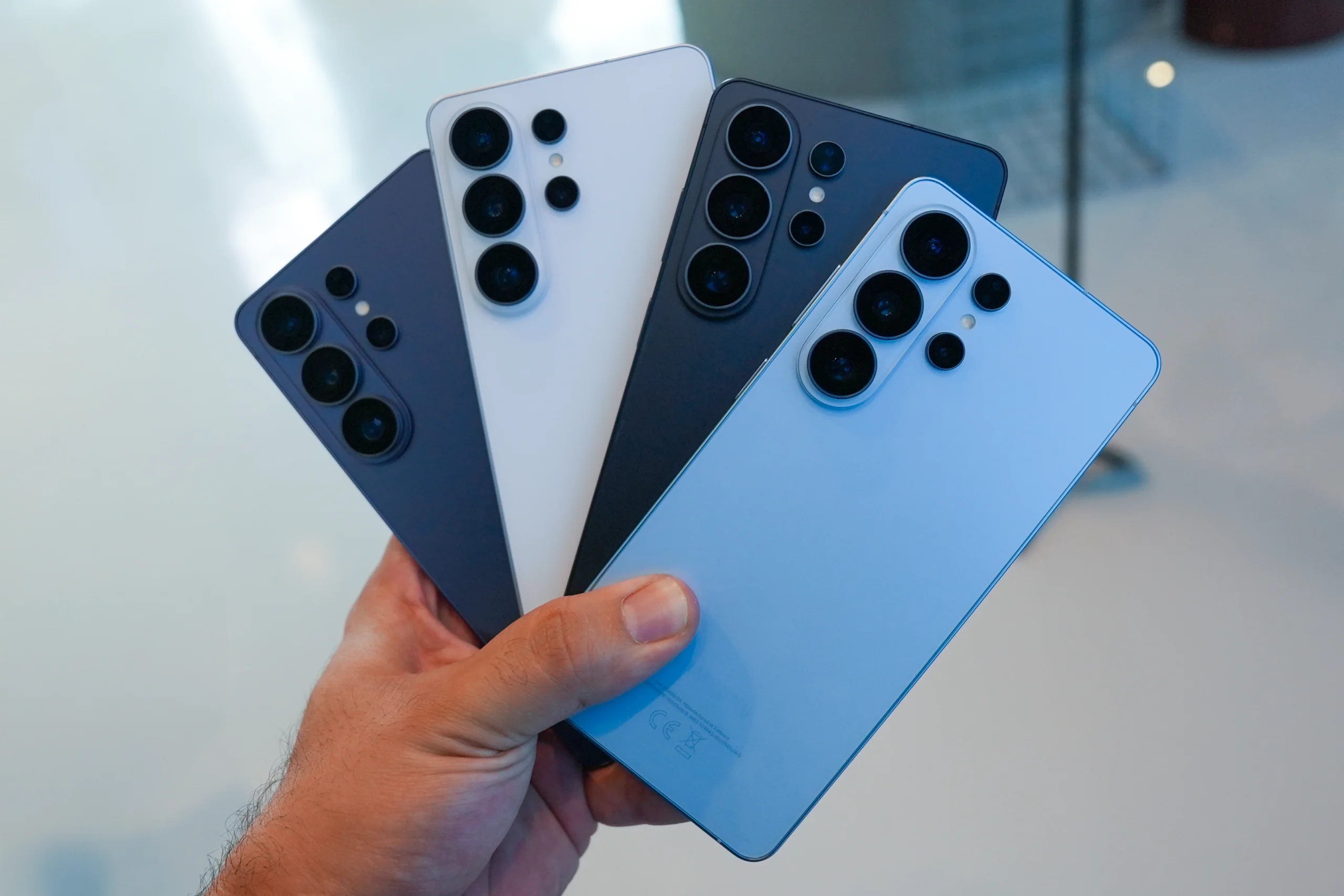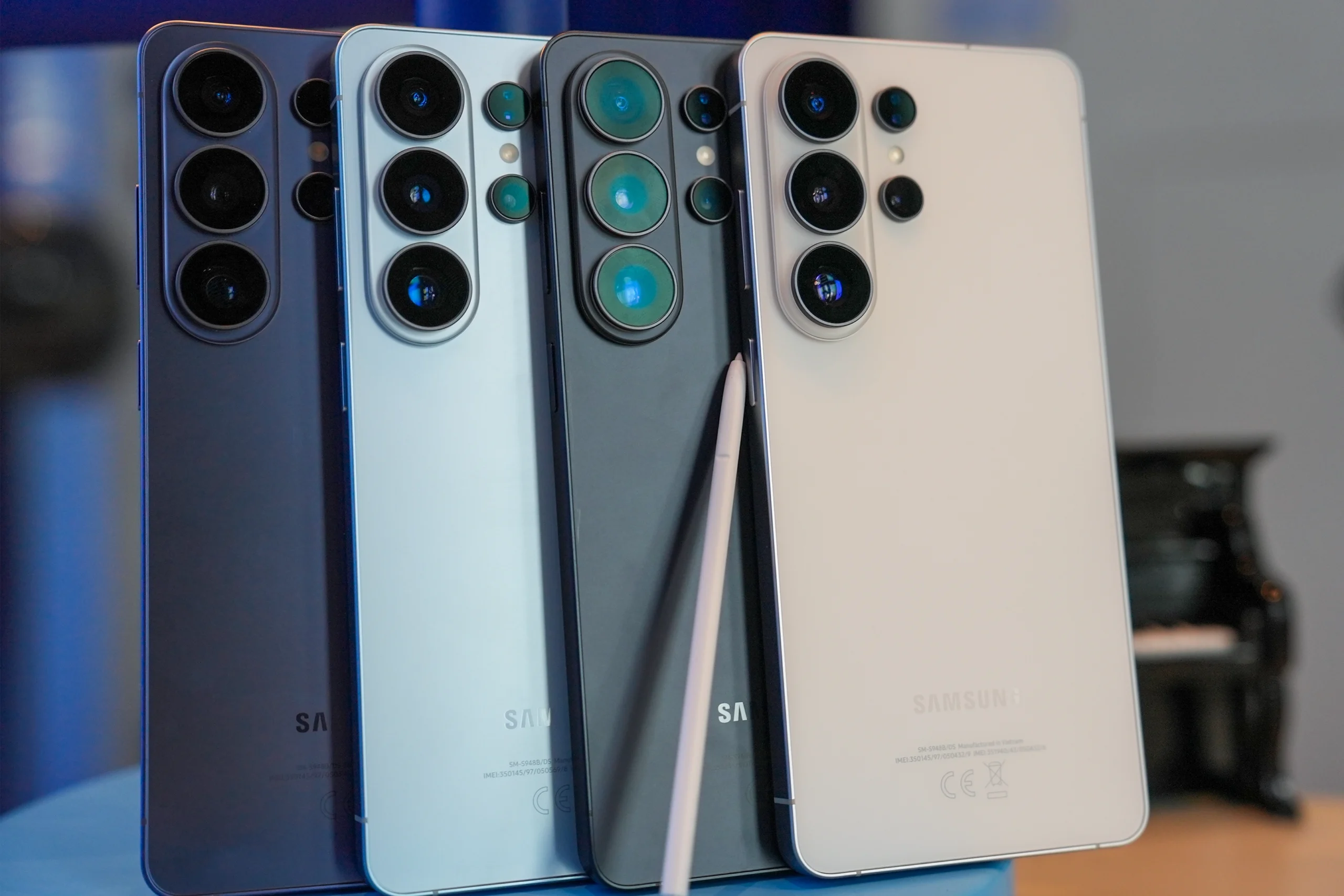
AI that anticipates, adapts, and stays out of the way – the Galaxy S26 lineup
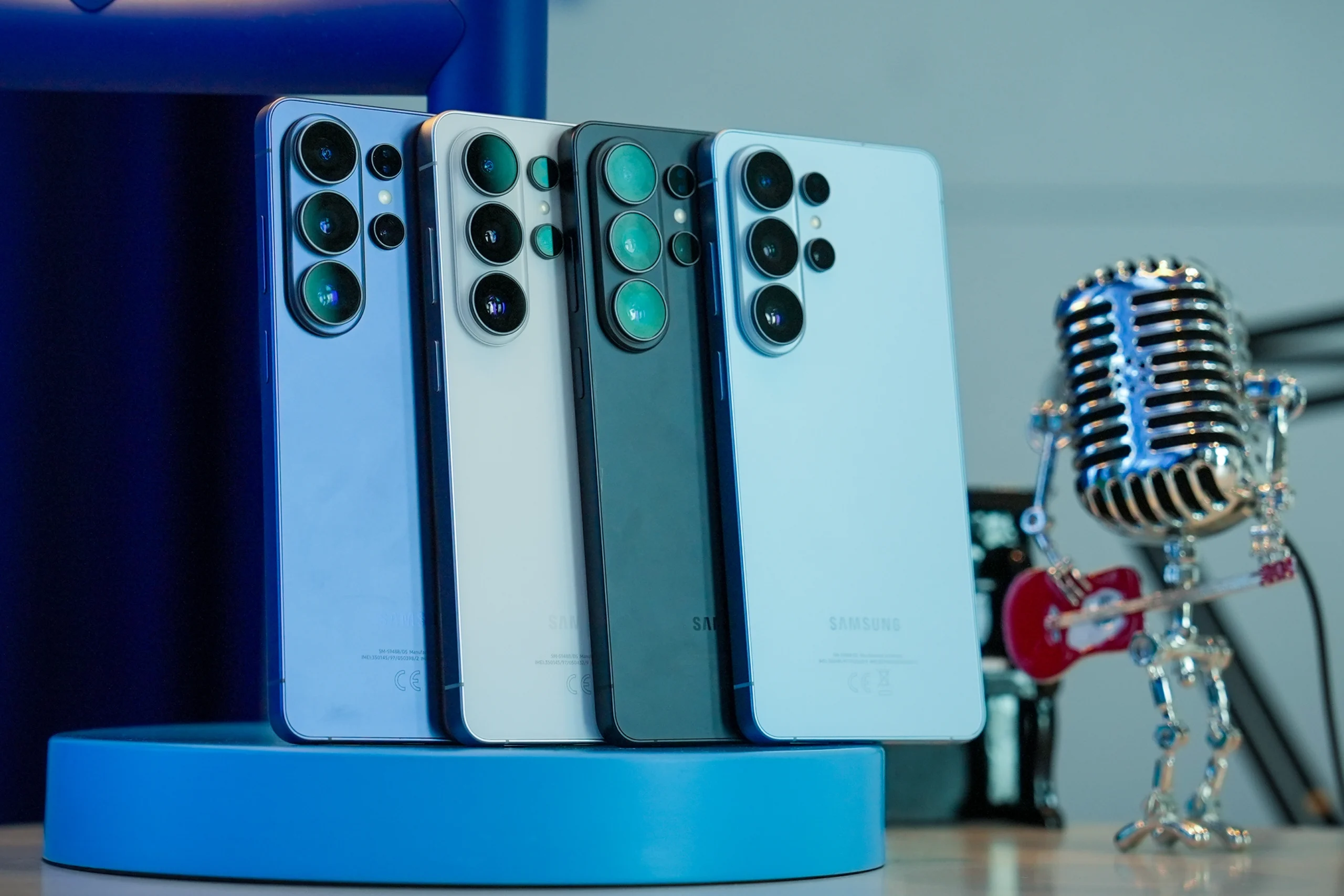
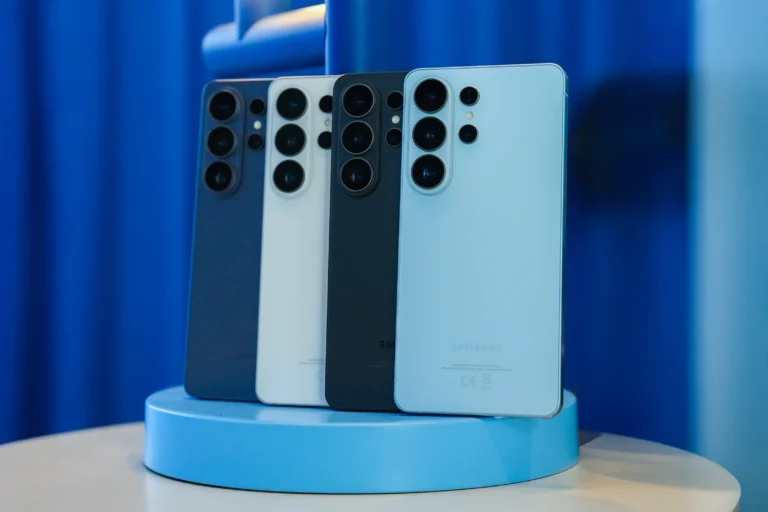
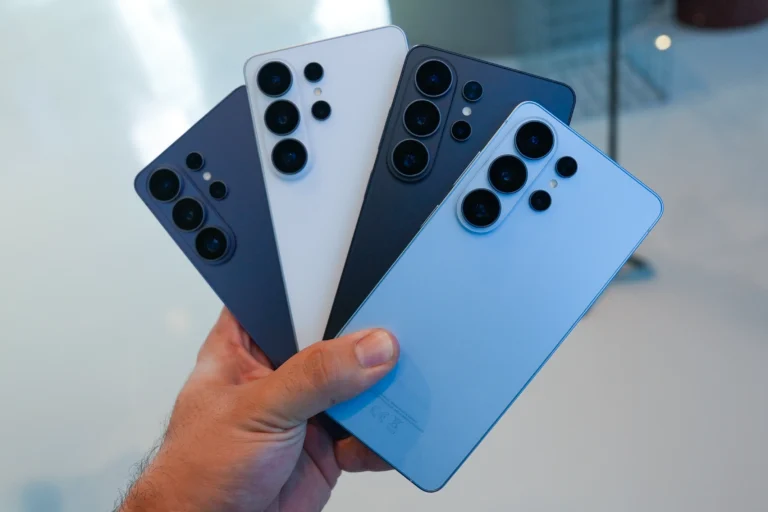
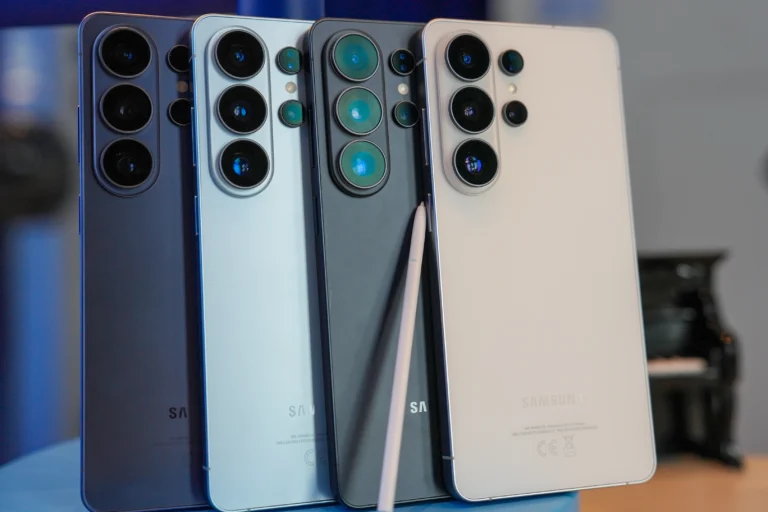
With the all-new Galaxy S26 lineup, Samsung shifts the conversation around AI from novelty to usability. Here, AI is not just a buzzword to make things sound more impressive, but a genuine enhancement in features and everyday usability. With this new lineup, Samsung aims to make AI feel like part of the devices’ core design, acting as a support layer for all features rather than a single tool users can access.
Samsung’s philosophy is to eliminate complex menus and toggles and to make AI usage more contextual, personalized, and natural.
Context-aware assistance in real time
One of the most useful additions to Galaxy AI in the S26 lineup is “Now Nudge.” The feature analyzes incoming messages and shows relevant shortcuts directly on the keyboard. For example, if someone asks you to share photos from a recent trip, the phone recognizes the request and suggests photos from your gallery, filtered by location if you have that feature enabled.
In daily use, this minimizes the effort between reading a message and acting on it. The same idea applies to scheduling: when someone suggests a meeting time, the phone can propose calendar access or highlight possible conflicts. Over time, as the phone learns usage patterns, it can proactively offer smarter suggestions based on habits.
This is not just automation but a thoughtful development that cuts down taps, decreases friction, and avoids the dullness of repetitive tasks like looking up files or adding calendar entries.
Editing with words
The new Photo Assist feature changes mobile editing. Instead of manually cutting, pasting, or layering images, users can describe what they want to change. Through a “Create” option in the gallery, prompts such as adding an object or editing part of a scene are processed and merged into the original photo.
The main upgrade is in how context blending is managed. Lighting, reflections, and shadows are automatically adjusted, making edits look more unified. For users seeking creative freedom without needing to learn advanced editing tools, this method feels much more intuitive and easier to use. Creative Studio further enhances this by allowing users to create personalized stickers, cards, and visual elements directly from their photos.
Smarter communication controls
Spam fatigue remains a common frustration among users, especially in the GCC. To address this, Samsung has upgraded its Call Screening feature by introducing an AI gatekeeper that answers unknown calls before they reach you. The assistant asks for the caller’s name and purpose while displaying a transcript that helps you decide whether to connect in real time.
In practice, this minimizes distractions and helps users quickly determine whether a call is worth answering—especially for professionals and in markets where spam or sales calls are frequent. Additionally, Bixby Text Call allows users to manage calls by typing responses that are read aloud to the caller, while displaying a live transcript of the caller’s speech. Live Translate enables real-time voice translation during phone calls, so both parties can speak different languages and still understand each other. All of this occurs within the native phone app, keeping users in control and focused solely on relevant, legitimate conversations.
Another practical AI upgrade is the enhanced Audio Eraser, which now works across compatible apps such as YouTube, Netflix, and Instagram. Users can selectively reduce or remove specific background sounds in real time, whether that’s muting crowd noise to focus on commentary or lowering dialogue to hear ambient audio more clearly. Similar to the AI-powered sound separation demonstrated on Samsung TVs, the feature gives users granular control over their listening experience directly from the phone.
AI that organizes, not just creates
Beyond content creation, AI in the S26 series also emphasizes organization. Screenshots now keep and display their original source links, including social media posts, helping users revisit the context months later. Gallery collections automatically sort content by type, such as shopping or locations, reducing the need for manual sorting. These improvements might seem small at first, but over time, they change how users browse growing photo collections and saved content.
Taken together, the AI enhancements in the Galaxy S26 series indicate a maturing approach. Instead of highlighting isolated features, Samsung integrates intelligence into everyday interactions: subtle enough to feel natural, yet powerful enough to significantly reduce friction in communication, creativity, and organization.